Parking with QR code


Step-by-step instructions

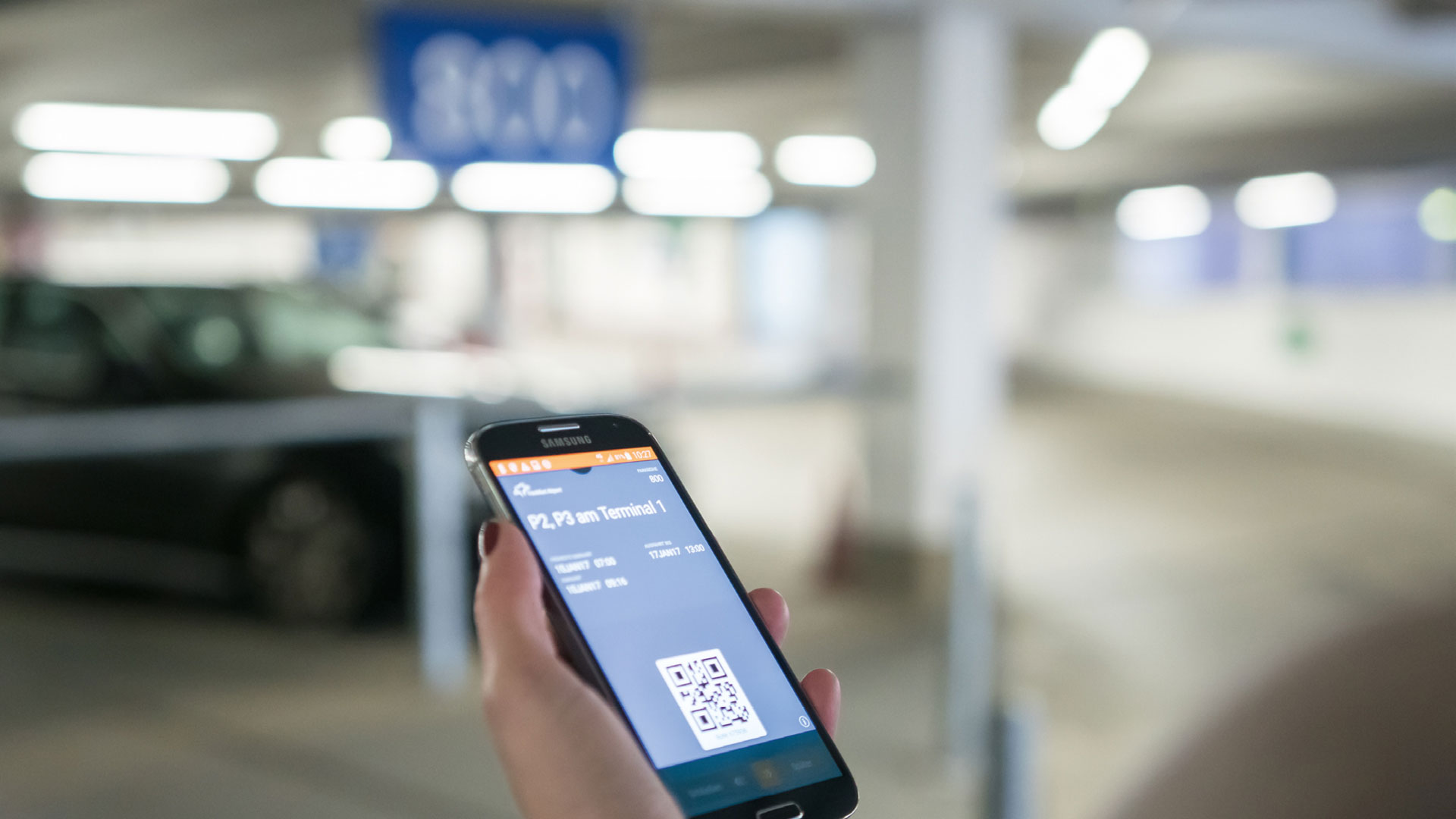
After booking online you will receive a confirmation and your Mobile Parking Pass with the QR code for the entry and exit by e-mail.

Here's how it works:

Save the QR code you need for the entry and exit on your smartphone (wallet or image file) or print out "Your Parking Pass". You will receive the Mobile Parking Pass with QR code by email immediately after completing your booking.

Scan the QR code at a slight distance and angle at the entry device of the parking row. Set the brightness of the smartphone to 100%.
 

Notice for Business Parking and eParking:

A specific parking row is reserved for you. The information about the location you can find in your Mobile Parking Pass. The QR code is only valid for this parking row.

After you have parked we will send you an email (Carfinder) with the parking level and row number you drove in using the QR code. We also recommend that you make a note of your vehicle's location or take a photo.

When you return, go to your vehicle, drive to the exit and scan the QR code at a slight distance and angle at the exit device of the car park gate. Set the brightness of the smartphone to 100%. If you have parked longer than booked, you will need to pay the additional amount at the pay station before exiting.

Video: Parking process with QR code

Online parking offers